
Case study: Middle Tennessee State University (MTSU)
Reliable USB-C connectivity for modern classrooms.
240 units installed
TRUSTED CONNECTIVITY AT SCALE
“It just works, without issue, no matter what device is connected (Mac, Windows, Mobile)”
Dustin R. Cunningham, CTS
Classroom AV Technician
ITD Client Services
Middle Tennessee State University
The problem solved
MTSU needed a more reliable dock solution after compatibility issues with existing docks, especially following macOS updates and the launch of M-series processors.
Why MTSU uses VC-C101U-ETH
✓ Solved incompatibility issues with docks supporting both PC and Mac
✓ No more dongles needed
✓ Works with Mac, Windows and mobile devices
✓ 100W power delivery supports modern laptops
✓ One cable for video, USB, charging and network
✓ Reduced classroom downtime for faculty
Q&A with MTSU
To start, can you tell us what led MTSU to adopt our USB-C to HDMI converter? What challenges on campus were you trying to solve, and how are the units being used today?
We were having incompatibility issues with docks supporting both PC and MAC. Especially after macOS updates and once the M-series processors were released.
You have installed around 200 units. What has your experience been so far?
We are now at around 240 units It just works, without issue, no matter what device is connected (Mac, Windows, Mobile) The 100w power delivery is essential with the increase in power-delivery needs due to integrated AI on laptops.
Compatibility and support are, of course, very important. Compared with your previous solution, have these units made things easier for your team in any way?
No more dongles needed. Previous docks required a USB-C or DisplayPort to HDMI adapter to connect to our video switcher. These dongles added a failure point.
One thing we often hear is that users appreciate the driver-free, plug-and-play setup. Has that been your experience as well?
Yes, with display port alt mode, it eliminates the need for any drivers.
How was the installation process? Was it straightforward, or did you run into any issues along the way?
Installation went well. With the 6-foot USB-C cables, we were able to move the dock into our lectern to reduce tampering. The screw-in/locking connector has prevented users from taking the cables
The unit does more than just convert USB-C to HDMI. It also provides three USB-A ports for USB peripherals, up to 100W charging for a laptop, and Gigabit Ethernet access — all through a single USB-C connection. Have these features also been useful in your environment?
All three of these were requirements when we were searching for an alternate dock. There are network resources available to our faculty and staff that are only available via a hardwired connection, so the integrated NIC solves the multiple cable connections seamlessly. We are seeing a growing need to connect cameras, microphones, and Dante audio to laptops. The built-in USB hub allows us to keep all the connections in the rack and the users only need one cable.
What would you say have been the biggest benefits for the university so far?
Reduced down-time for faculty. Where they used to have to wait for a technician to arrive at their classroom and resolve the dock connection issue.
Related articles
3/25/2026
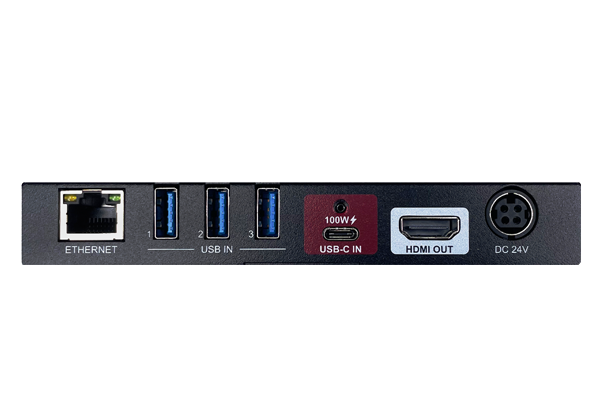
VC-C101U-ETH when you don´t want any issues
The VC-C101U-ETH USB-C to HDMI converter solves common meeting-room and workstation frustrations with 4K60 video, Ethernet, charging and USB ports.
8/31/2026
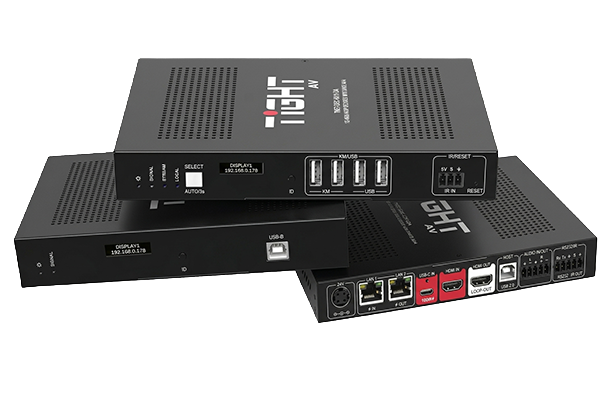
T-NETWORK v1.2.0 is here
We are pleased to announce a major update to the TiGHT AV T-NETWORK AV-over-IP platform, combining the new T-NETWORK Firmware v1.2.0 with the updated T-COMM v1.2.0 management software.
6/1/2026
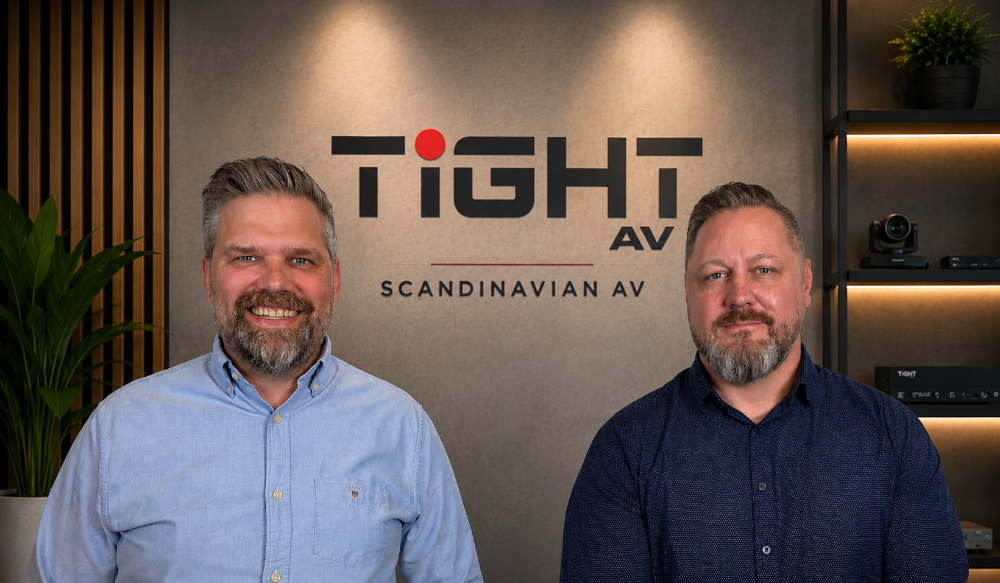
VisioNordic AB Acquires TiGHT AV Intellectual Property and Business Assets
VisioNordic AB announces the acquisition of TiGHT AV intellectual property, brand and business assets effective June 1, 2026.